Features
Contents: Document management · Security · Firm Calendar · Time, invoices & letters · Tax tools · Your office
Document management
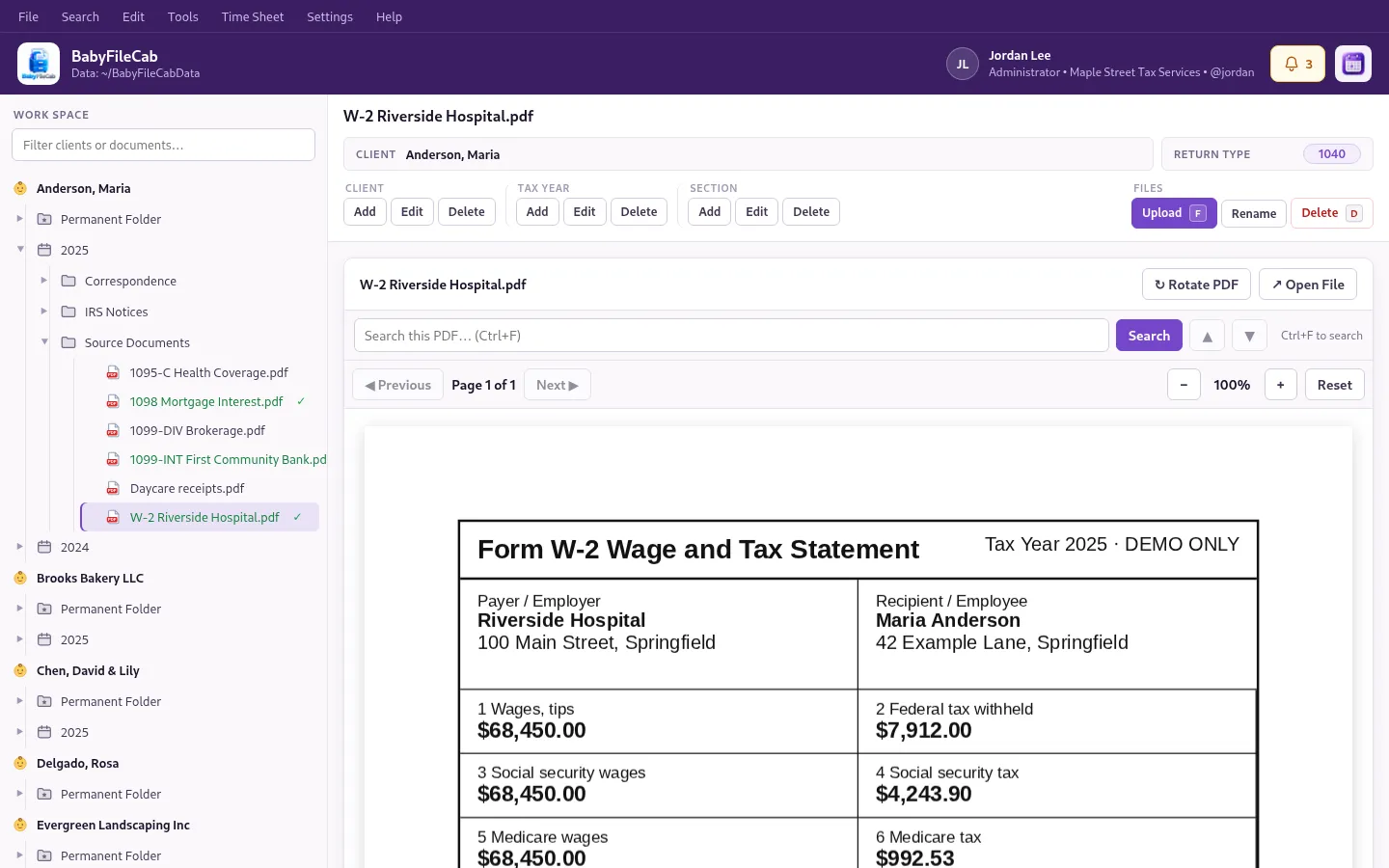
- One cabinet per client. A Permanent Folder for documents that carry over every year, plus a folder for each tax year. Add your own sections inside them, such as Source Documents, Correspondence or IRS Notices.
- Drag and drop. Drop files from your desktop straight onto a client, year or section, and move documents between folders the same way.
- Scan inbox. Point BabyFileCab at the folder your scanner or phone app saves to. New scans wait in an Inbox until you file them.
- Preview without opening. PDFs, Word, Excel, CSV, email (.eml), images and text files show right in the window. Large PDFs page through quickly and you can rotate and zoom.
- Previous versions. Upload a file with the same name and the old copy is kept as a previous version you can open or restore.
- Recycle Bin. Deleted files, tax years and clients can be restored for 30 days. Only an administrator can delete a client or remove anything for good.
- Find anything. Global Find searches client names, file names, descriptions and keywords across the firm. Inside a PDF, Ctrl+F highlights every match.
- Track your progress. Mark documents Entered / Done and the check mark shows in the tree.
- Client notes and history. A formatted notes page for each client, and an audit trail of who added, moved, renamed or deleted what, and when.
- Backups and archiving. Automatic daily or weekly backups to a drive of your choice, one-client backups, and an Archive for clients you no longer work with.